Welcome to the Award Winning Southwest Michigan Business & Tourism Directory
In the News - Let's Help Your Church's Congregation Grow In 2024
Let's Talk: (269) 428-7062
Nationwide, thousands of Churches have seen the size of their Congregations decrease and still other Churches have had to close permanently. Reports indicate there are numerous reasons for shrinking Congregations ranging from Covid restrictions that broke the habit of attending church, to younger people seeing older church members as not being welcoming. BUT KNOWING THE REASON(S), MEANS THIS CAN BE CORRECTED!
We Can Turnaround This Trend And Help Your Church's Congregation Grow!
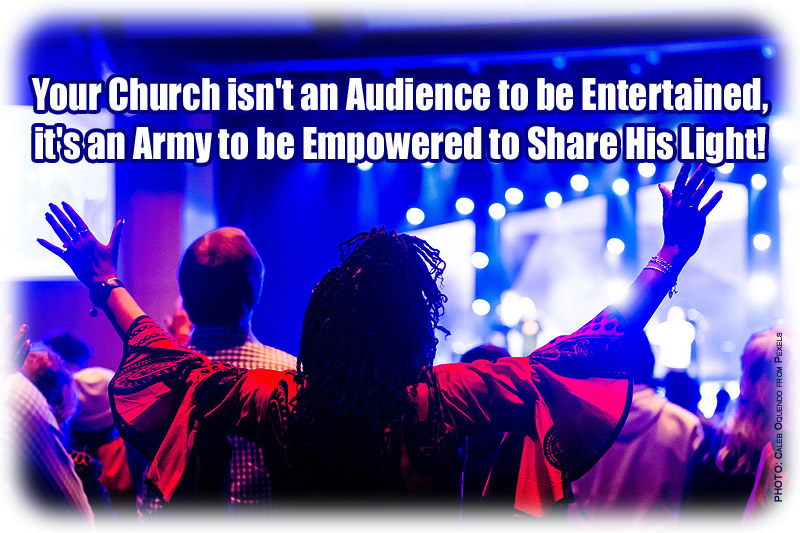
There's probably a small voice inside you that thinks your Church could be doing an even better job spreading the Good Word and letting your Light shine before others in our community. We'd like to think this small voice is the Holy Spirit guiding you.
In Jesus Christ's legendary "Sermon on the Mount" he clearly told the multitude gathered 2,000 years ago, and countless millions of people to this day:
Matthew 5:14-16 - NIV ...
14 "You are the light of the world. A town built on a hill cannot be hidden. 15 Neither do people light a lamp and put it under a bowl. Instead they put it on its stand, and it gives light to everyone in the house. 16 In the same way, let your light shine before others, that they may see your good deeds and glorify your Father in heaven."
Here's How You, Your Church & Your Business Can Be The Light Of The World
Share With Others Your Faith
God helps you and me -- everyday ordinary people, to share His message with those who need His loving embrace. We must always accept this opportunity to share our faith and spread His Light through us. In your own words, share your story of faith with others. Why do you believe, why are you filled with the Holy Spirit and beaming with His Light?
Invite those you meet, your friends, family, business associates, neighbors to attend your Church's very next Church Service ... give them a Church Service Invitation Card created for YOUR Church by Lighthouse Colorprint. Business Cards, Prayer Cards & Post Cards from Lighthouse Colorprint are also terrific ideas to hand out / mail out to all Church Members as well as to residents in a 5-10 mile radius around your Church. Spread the Word!
For more information, visit www.LighthouseColorprint.com listed on our Advertising and Website Design page.
To learn how you can submit an article to the SWMI Directory, click here.
Are you looking for business, commercial, farming, or recreational links to Southwest Michigan? Then you've come to the right place: Southwest Michigan Business & Tourism Directory! "From Accommodations to Yacht Clubs,
Southwest Michigan has much to offer." Blessed with many business and tourist attractions, Southwest Michigan is the ideal vacation destination to enjoy art, boating, golf, nature, swimming as well as a wonderful area to call "Home". The communities of SW Michigan have much to offer; businesses, schools, and services that are first class. In fact, Smart Money Magazine once named SW Michigan (specifically the Paw Paw Lakes region) as one of the best areas in America to buy a second home. Residents are friendly, warm and enthusiastically welcome newcomers to the area. If you are visiting Southwest Michigan ... we wish you a safe, enjoyable stay and hope that you come again. If you are planning to join us ... we welcome you and know that you will enjoy the area as much as we do. To those of you who already live and work in SW Michigan ... aren't we lucky? Thank you for your interest in Southwest Michigan! |